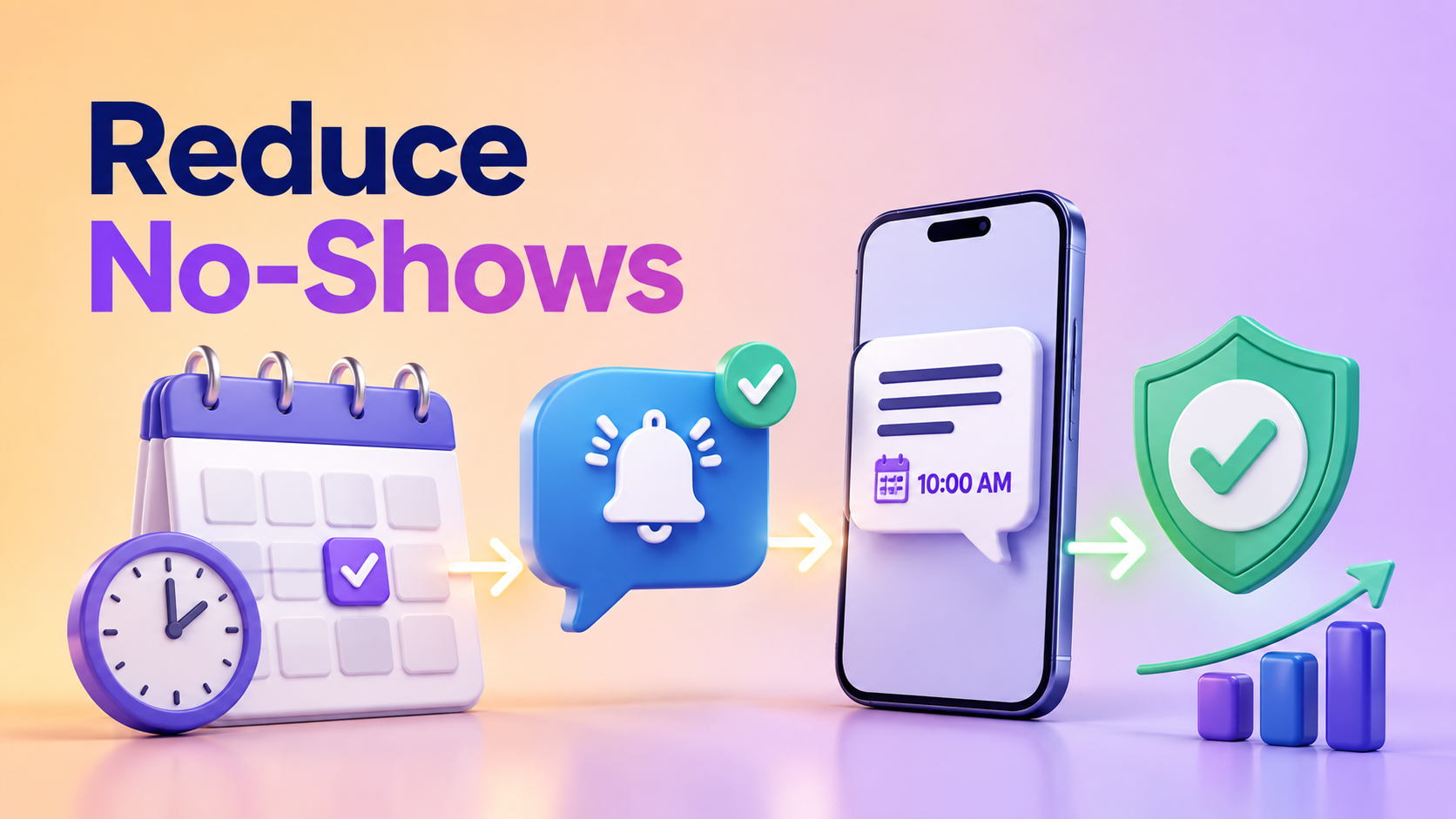
This use case shows how sms appointment reminders can support a real customer workflow without turning SMS into a disconnected notification channel.
Where SMS fits
SMS works best for timely, transactional updates where the user benefits from receiving a short message even when they are not inside the product.
- Trigger messages from confirmed business events.
- Keep copy short and specific.
- Include only the information the recipient needs next.
- Track delivery so support teams can answer customer questions.
Recommended workflow
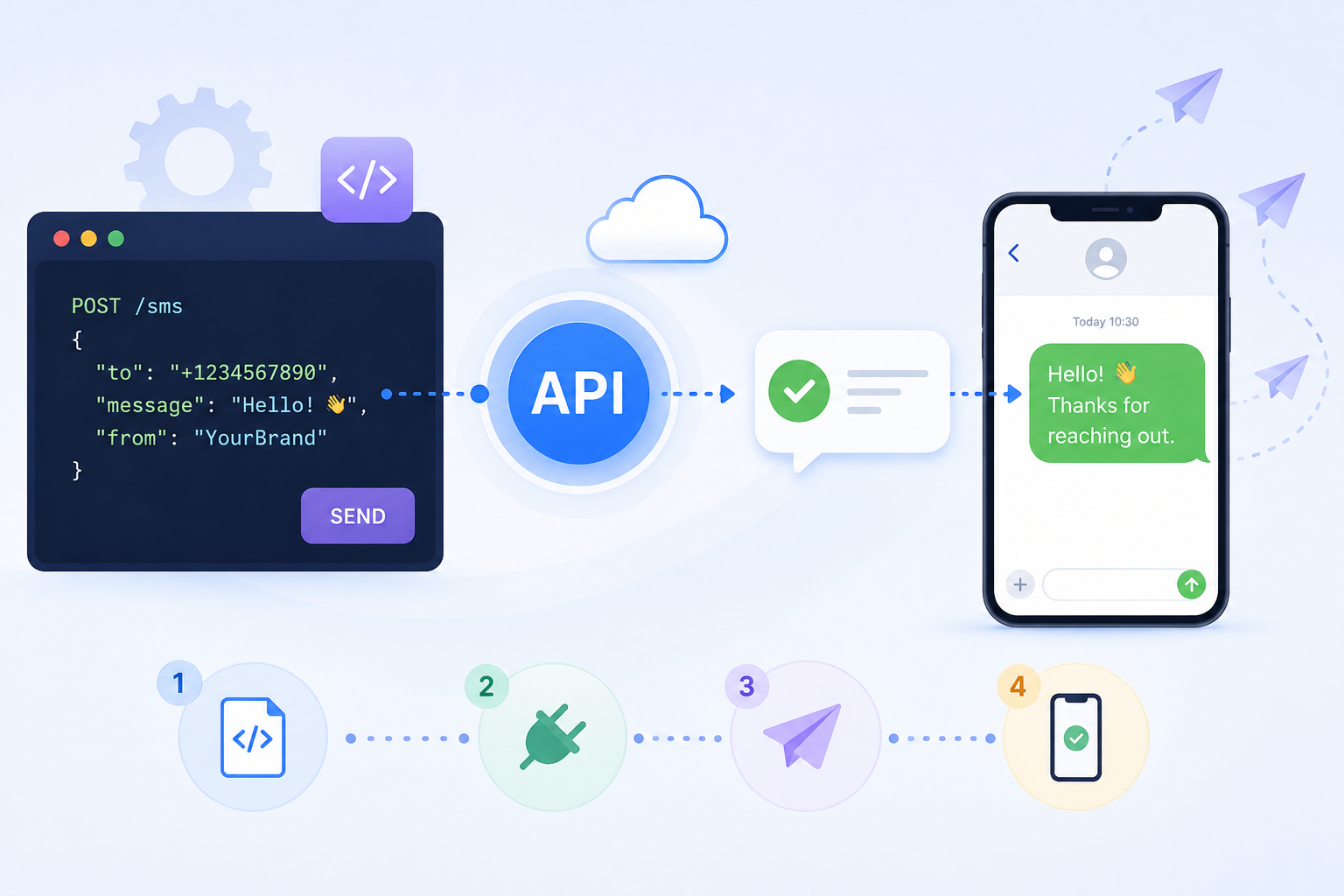
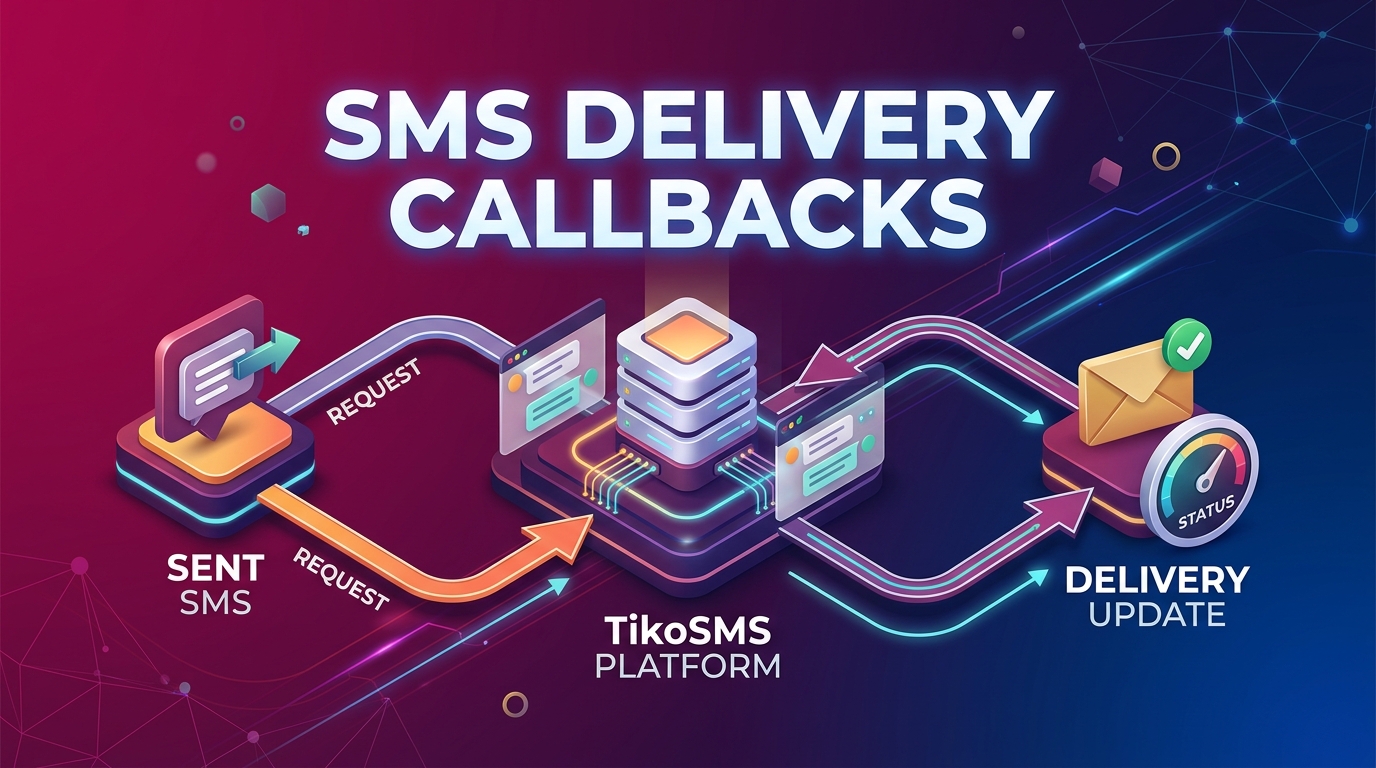
Start with the business event, create the SMS request through your backend, store the returned identifier, and update your own record when delivery callbacks arrive.
| Step | Owner | Output |
|---|---|---|
| Event occurs | Application | Order, appointment, OTP, or payment state |
| SMS request created | Backend service | Provider message ID and client_ref |
| Delivery update received | Webhook handler | Final status in your records |
| Report reviewed | Operations team | Outcome visible to support and analytics |
Message design
Use direct language, avoid promotional copy in transactional flows, and make sure templates are safe for variable-length customer names, order numbers, and URLs.
Measurement
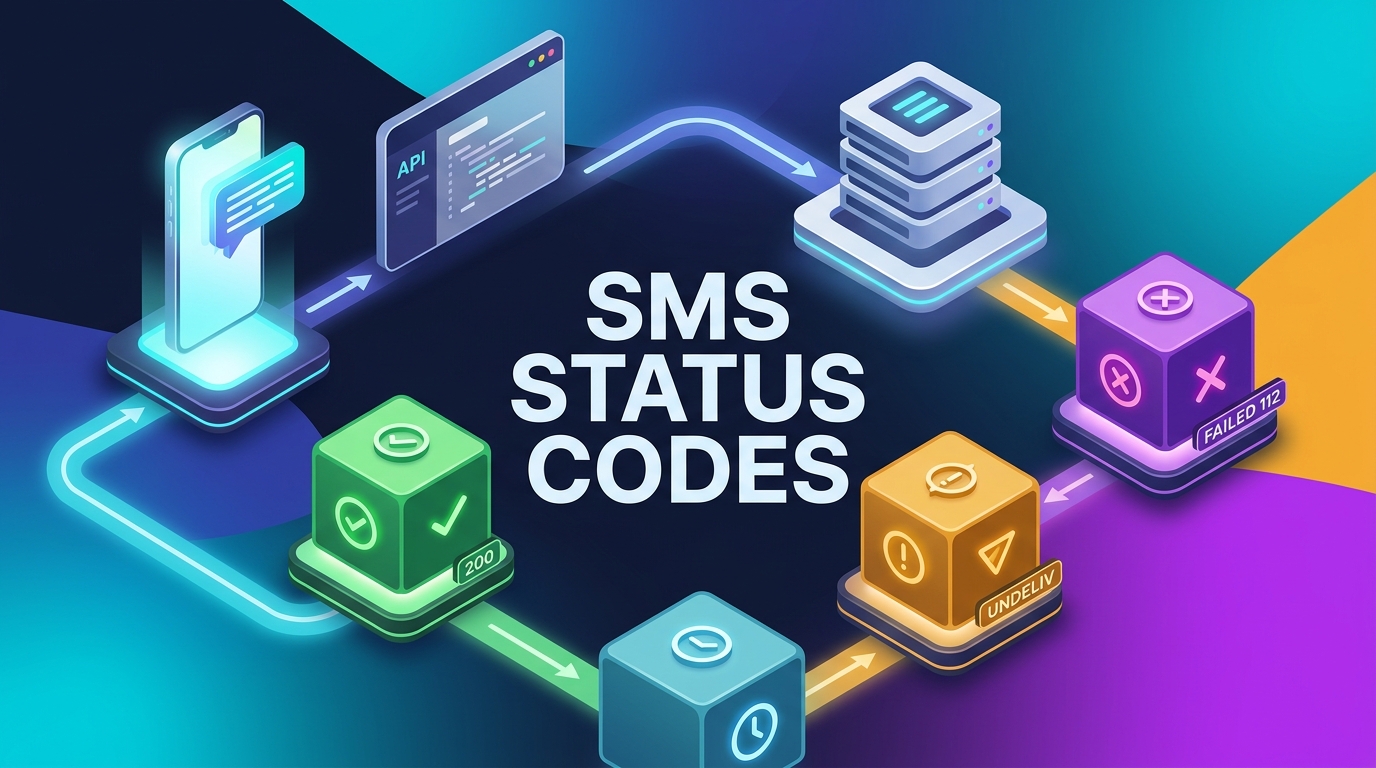
Track send volume, accepted requests, final delivery statuses, failed destinations, cost by destination, and support issues connected to message delivery.
Conclusion
A strong sms appointment reminders flow is simple for the recipient and observable for the business: the customer gets the right message, and the team can verify what happened.